Gone Phishing: Your Info’s on the Line
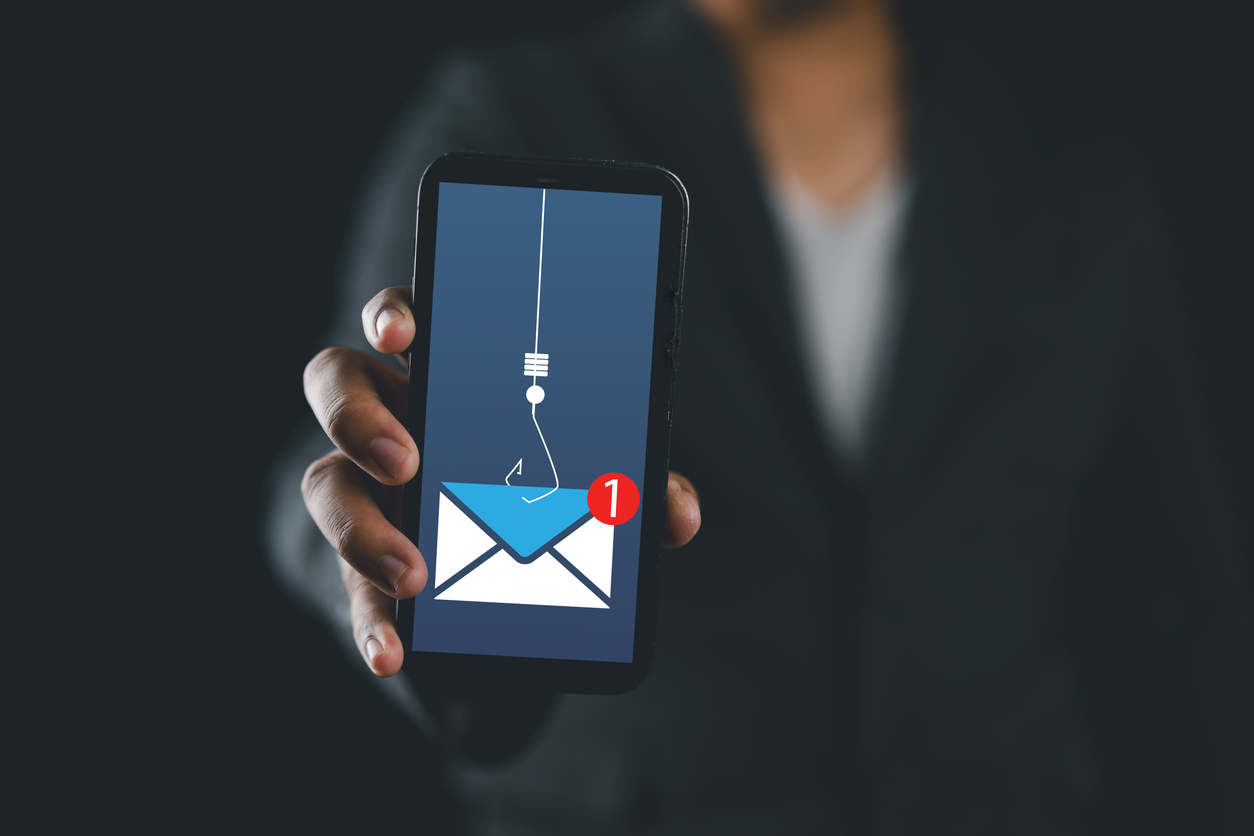
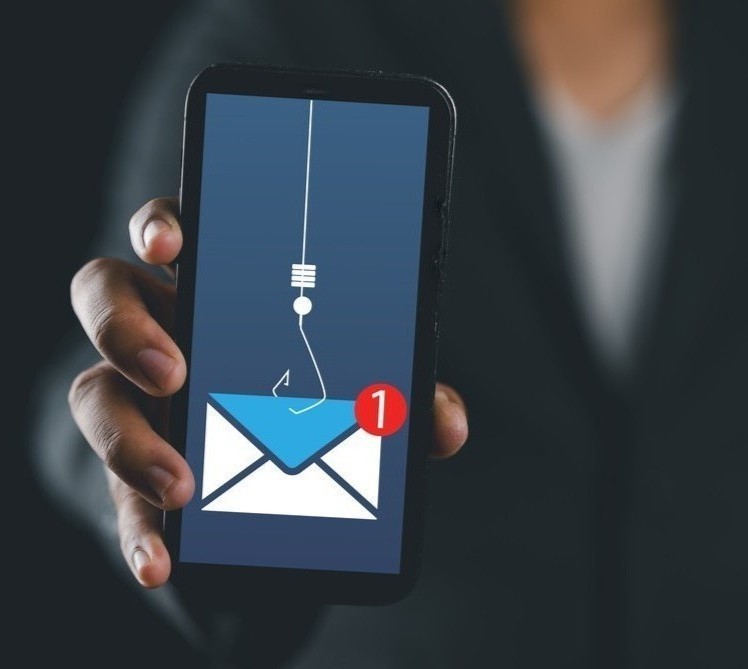
We’ve long since entered the digital age, and it’s easier than ever to connect with anyone around the globe. Emails, text messages, video calls, social media — the list goes on! Technological advancements can feel exciting and new. However, this growth in virtual connection has an unpleasant side: bad actors using an individual’s online presence to steal their personal information in new (and markedly less exciting) ways. With how connected so many people and businesses are with technology, this type of attack is becoming more advanced, more effective, and increasingly common, with an estimated 3 billion malicious emails sent each day.
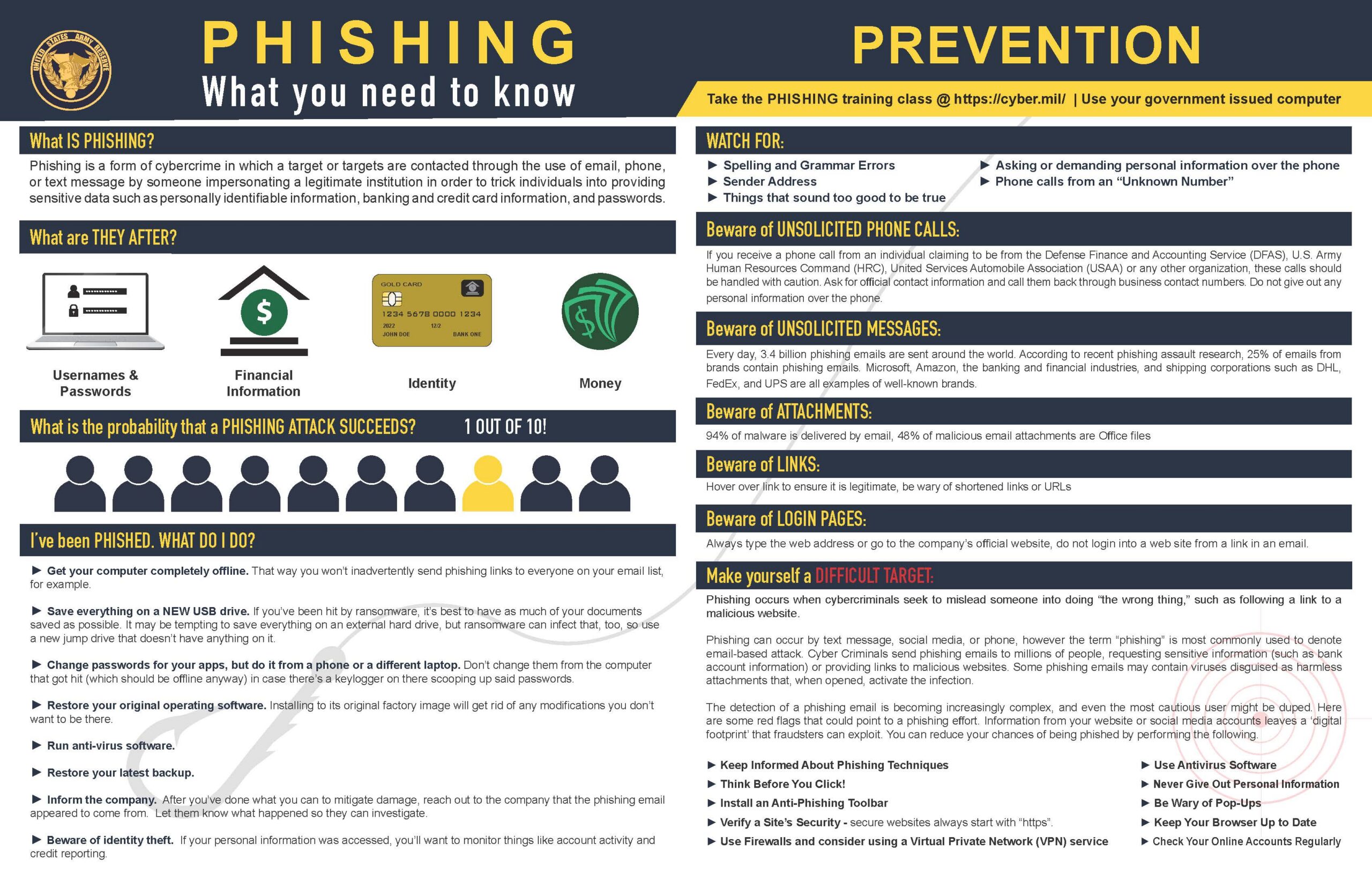
They come in many forms, but one of the most widely seen types of digital attacks is through email. The bad actors will carefully craft an email that looks to be a legitimate correspondence — these can appear to come from businesses, friends, or family. But inside the message, they hide a computer virus that is designed to steal your personal information. Commonly, these malicious programs (or “malware”) will also use the compromised email address to send out more infected mail to spread itself further.
If there are so many of these dangerous messages being sent around, how do you protect yourself?
There are a few techniques that can greatly increase your online safety.

Wait
The first, and arguably most important way to protect yourself, is to think before you click. Slow down before clicking anything online and especially in any email correspondence you receive. Take a moment to hover over the link and look to the corner of your screen — the link preview should give you an idea of whether or not it’s legitimate.

Think
Ask yourself questions like these to help identify messages that may not be authentic:
- “Is this something this person would normally send me?”
- “Is this normally how my bank contacts me?”
- “Why is this message marked urgent?”

Verify
When possible, verify any information through another channel. You’ve waited, you think your friend or loved one might send you something like this, but it never hurts to ask. Let’s say you get an unexpected email from a friend encouraging you to download an attachment — give them a quick call to determine if it is legitimate message or a cleverly disguised attack.
Scan
Scan for other giveaways of a potentially malicious interaction (email/call/text/letter) like urgent calls to action or poor use of grammar, spelling, or punctuation. Is your name is spelled incorrectly? Did the sender say this needs to happen today or you’ll be in legal/administrative/employer trouble? While scanning twice for red flags can save your data, AI tools are making these types of issues less apparent so this can no longer be the only filter you use.
So, what do you do if you find a message from a bad actor?
The most important thing is to be especially careful not to open any links or download any attachments from the message. From there, you should delete the message from your inbox so you’re sure to avoid interacting with it in the future, even by accident. As an added step, you can also delete it from your deleted box to permanently delete the message and potential threat.
If you think your device has been compromised by downloading a file, shut down your device and disconnect it from power until you’re able to seek help from a trusted professional. If you suspect that someone has hacked their way into one or more of your accounts, reach out to a trusted advisor to make sure the proper safeguards are put in place to protect your finances moving forward. And, lastly, if you have any questions or are looking for recommendations to help you protect your digital fingerprint, let us know. We’d be happy to point you in the right direction!